Tattoo simulator on a photo
Add a tattoo to a photo of your skin and see it before going to the tattoo artist: the design, the placement, the size, then a realistic render of the ink.
4 free credits when you sign up, no card needed. Then €4.90 for 10 credits, no subscription. See pricing
How do you simulate a tattoo on a photo?
1. A photo of the area
Take a sharp photo of the area to tattoo in natural light: forearm, shoulder, ankle, ribs or back.
2. The design
Describe your idea and the AI draws the design, or upload your own drawing. No idea? The AI suggests some.
3. The placement
Move, resize and rotate the design on your photo, exactly where you want it.
4. The realistic render
The AI blends the ink into your skin, with its shadows and texture. Edit it in one sentence, or try another placement.
Real skin, tattooed by AI
Drag the slider to compare the original photo with the TattooAI result.


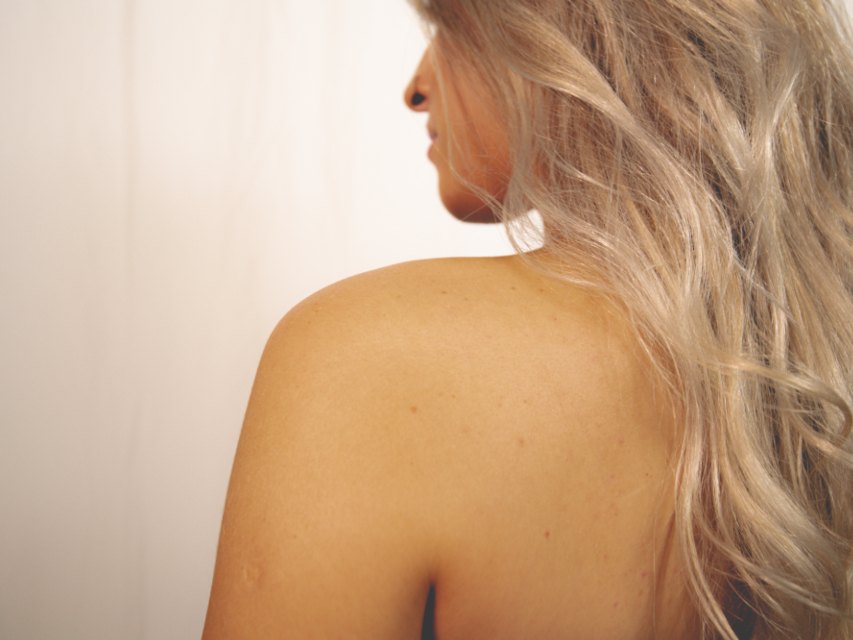
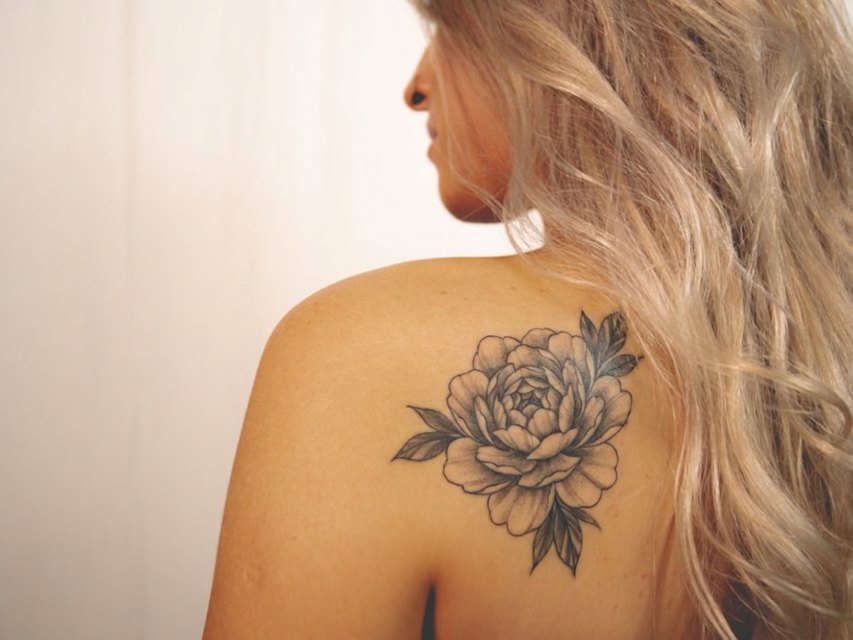
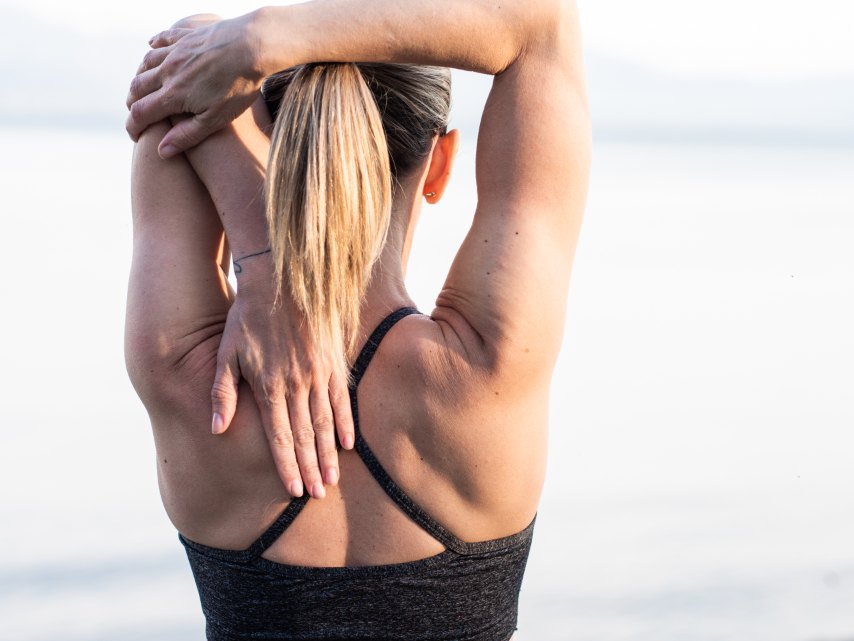
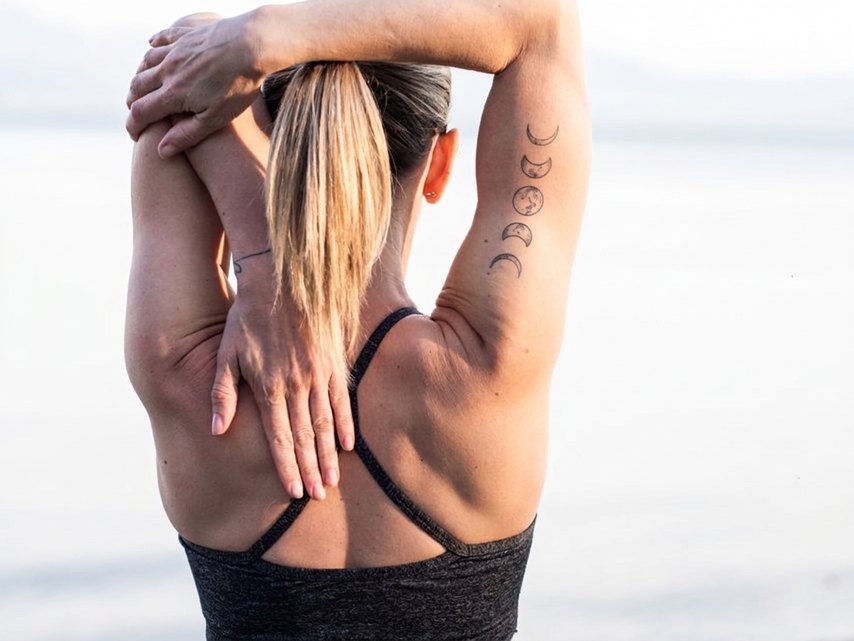
Why simulate a tattoo before getting it?
A tattoo is meant to last. Seeing it on your own skin, at the right size and in the right place, helps you choose between two placements or two sizes, and come to the artist with a clear request.
A simulation does not replace the tattoo artist: the final line depends on them, on your skin and on healing. It helps you decide, and show what you want.
You only pay for what the AI does
No subscription required: you buy a credit pack, and the steps the AI performs use some, as listed below. If a generation fails, the credit is refunded.
- A tattoo idea suggested by the AIfree
- A design drawn by the AI1 credit
- The realistic render on your skin, from your placement1 credit
- An edit of the render, described in one sentence1 credit
A complete project (idea, design, render) costs 2 credits; only 1 credit if you bring your own drawing. Your creation history is free. The price of a credit depends on the pack: see pricing.
Tattoo simulator: frequently asked questions
How do I add a tattoo to a photo?
Upload a sharp photo of the area, pick the design (drawn by the AI or your own), place it, resize or rotate it, then start the render: the AI blends the design into the skin, where you put it.
Is the tattoo simulator free?
No, but you can try it: 4 credits are offered when you sign up, no card needed. Each step has its cost: an AI idea is free, a drawn design 1 credit, a render on the skin 1 credit, an edit 1 credit.
Which photo gives the most realistic simulation?
A sharp photo, facing the area, in natural light, without flash or backlight, with the whole area visible and a little context around it (elbow and wrist for a forearm).
Does the render show exactly the future tattoo?
No, it is a simulation. It shows the size, the placement and the overall effect on your skin; the final line depends on the tattoo artist and on healing.
Can I compare several placements?
Yes. After a render, « Try another placement » keeps the design: place it elsewhere, or on another photo, then start the render again. Each render stays in your creations.
Read more
See your tattoo before you get it
A photo, a design, a placement: the realistic render usually arrives in under a minute.