Your tattoo, as if you already had it
Describe your idea and take a photo of your skin: the AI draws the design and places it on your forearm, shoulder or back. You see the result before going to the tattoo artist.
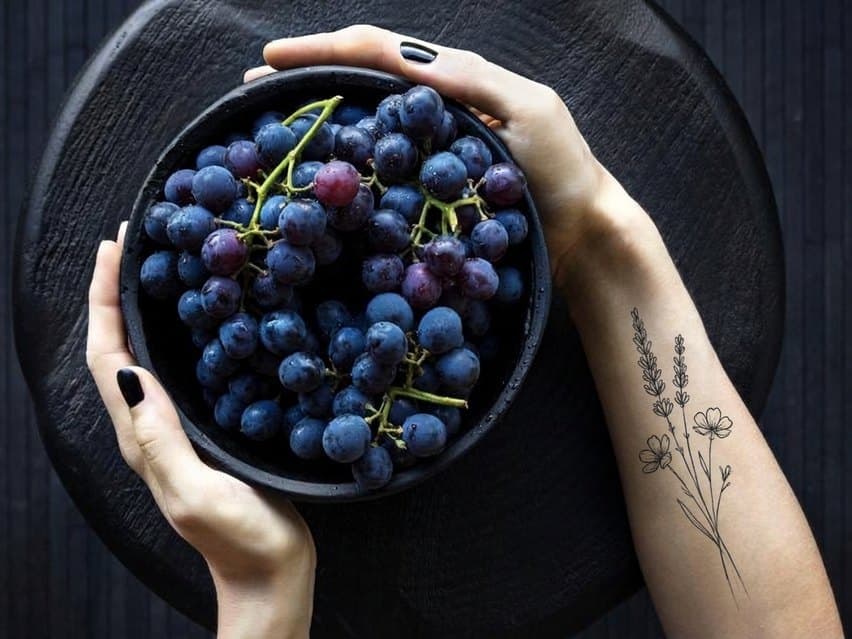

A tattoo is for life.No more choosing your design on a scrap of paper.See it on your skin before the first touch of the needle.
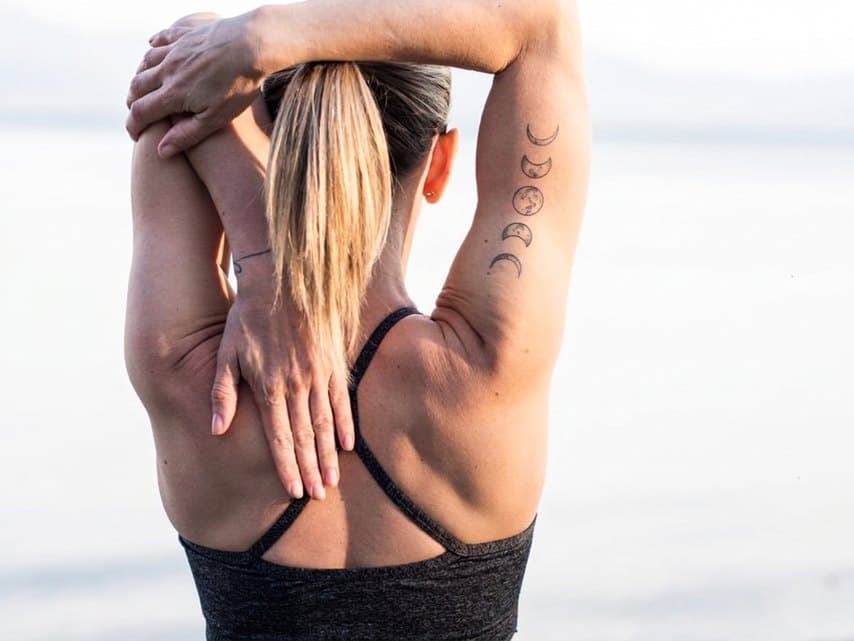
Real skin, tattooed by AI
Drag the slider to compare the original photo with the TattooAI result.
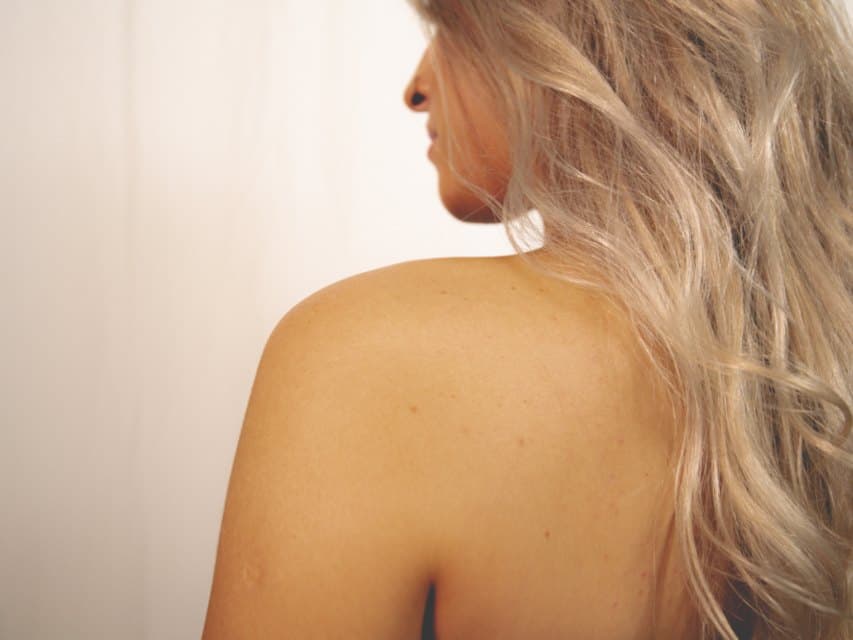
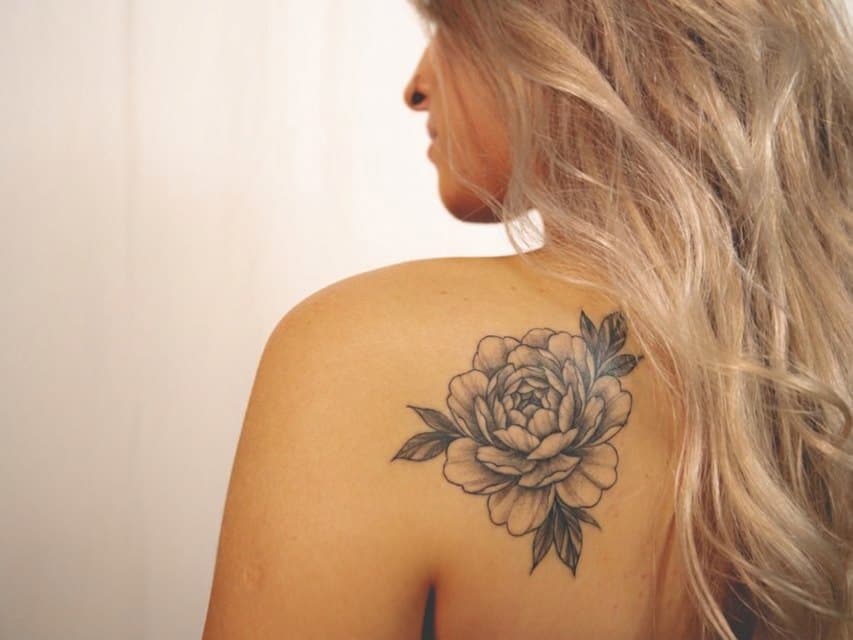
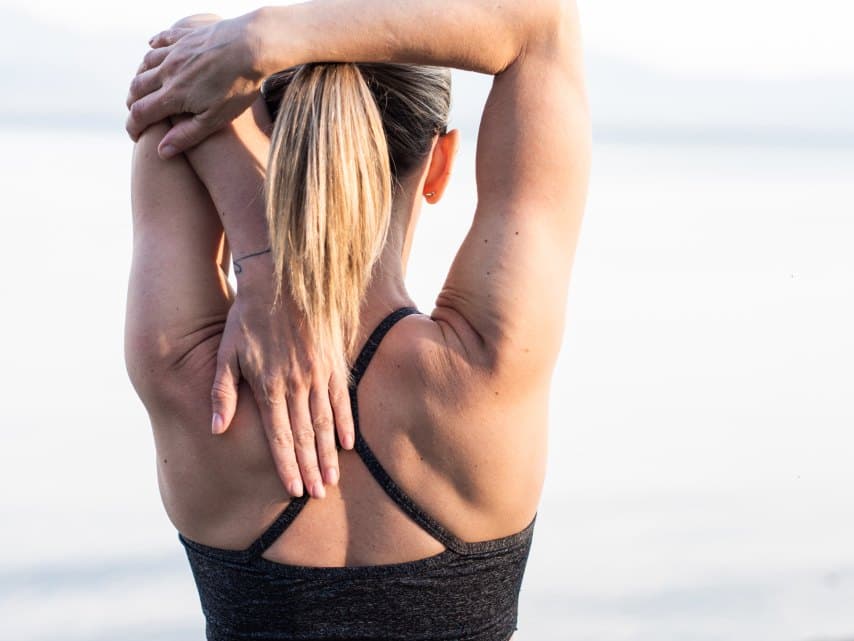
Everything TattooAI does for you
A complete studio in your browser, on desktop and on your phone.
Ideas when inspiration runs dry
Write your idea, or let the AI suggest one from a few words: up to three suggestions per project.
A design drawn for you
The AI turns the idea into a tattoo drawing, up to three versions per project. Already have a drawing? Upload it.
Precise placement
On the photo of your skin, move, enlarge and rotate the design until you find the right spot.
A realistic result
The AI doesn't paste an image: it blends the ink into the skin, following its curves, its texture and the light in the photo.
Edits in one sentence
“Thicker lines”, “add some red”, “watercolor style”: describe the change and the AI applies it.
Ready for the tattoo artist
Download the result in high quality or send it by email: your tattoo artist sees exactly what you want.
You only pay for what the AI does
No subscription required: you buy a credit pack, and each step the AI performs uses some. If a generation fails, the credit is refunded.
- A tattoo idea suggested by the AI1 credit
- A design drawn by the AI1 credit
- The realistic render on your skin (placement + ink blending)2 credits
- An edit of the render, described in one sentence1 credit
A complete project (idea, design, render) costs about 4 credits; only 2 if you bring your own drawing. Your creation history is free. The price of a credit depends on the pack: see pricing.
TattooAI in one minute
Your questions, answered
What photo of my skin should I take?
A sharp, well-lit photo of the area to tattoo, with the skin uncovered, taken straight on. Avoid backlight and reflections: the clearer the photo, the more realistic the result.
Can I use my own drawing?
Yes. At the design step, upload your image instead of generating one: a drawing from your tattoo artist, a sketch, a reference photo.
Will the result look exactly like the final tattoo?
It's a realistic simulation to validate the design, size and placement. The final result depends on your tattoo artist's work, who will adapt the drawing to your skin.
How do credits work?
Each AI action uses credits: 1 for an idea, 1 for a drawn design, 2 for the render on your skin, 1 per edit. A complete project costs about 4 credits, only 2 with your own drawing. If a generation fails, the credit is refunded.
Credit packs are detailed on the Pricing page.
Your next tattoo deserves to be seen before it's done
A few minutes are enough to go from an idea to a result you can show your tattoo artist.
Four steps, from the idea to the result on your skin
Your idea
Describe the tattoo in a few words. No inspiration? The AI suggests ideas.
The design and the photo
The AI draws the design, or you upload your own. Then you take a photo of the area to tattoo.
The placement
Move, resize and rotate the design on your skin, then start the render.
The final result
The AI blends the ink into the skin. Edit it in one sentence, download it, show it to your tattoo artist.